java address: smp.zayn.world
connecting...
Since 2018!
online players
nobody online
chat
Get pinged when players come online via push notifications - no download or app required.
IOS Safari: Tap Share, then "Add to Home Screen".
From your home screen, access this page from the newly added icon and press the "enable push notifications on this device" button on this page, below.
Tap Allow Notifications
Other Browsers: Press "enable push notifications on this device" below & allow notifications when your browser asks.
These methods will work even this page is closed. You may unsubscribe at any time using the button below.
From your home screen, access this page from the newly added icon and press the "enable push notifications on this device" button on this page, below.
Tap Allow Notifications
Other Browsers: Press "enable push notifications on this device" below & allow notifications when your browser asks.
These methods will work even this page is closed. You may unsubscribe at any time using the button below.
pings
offline whitelisted players



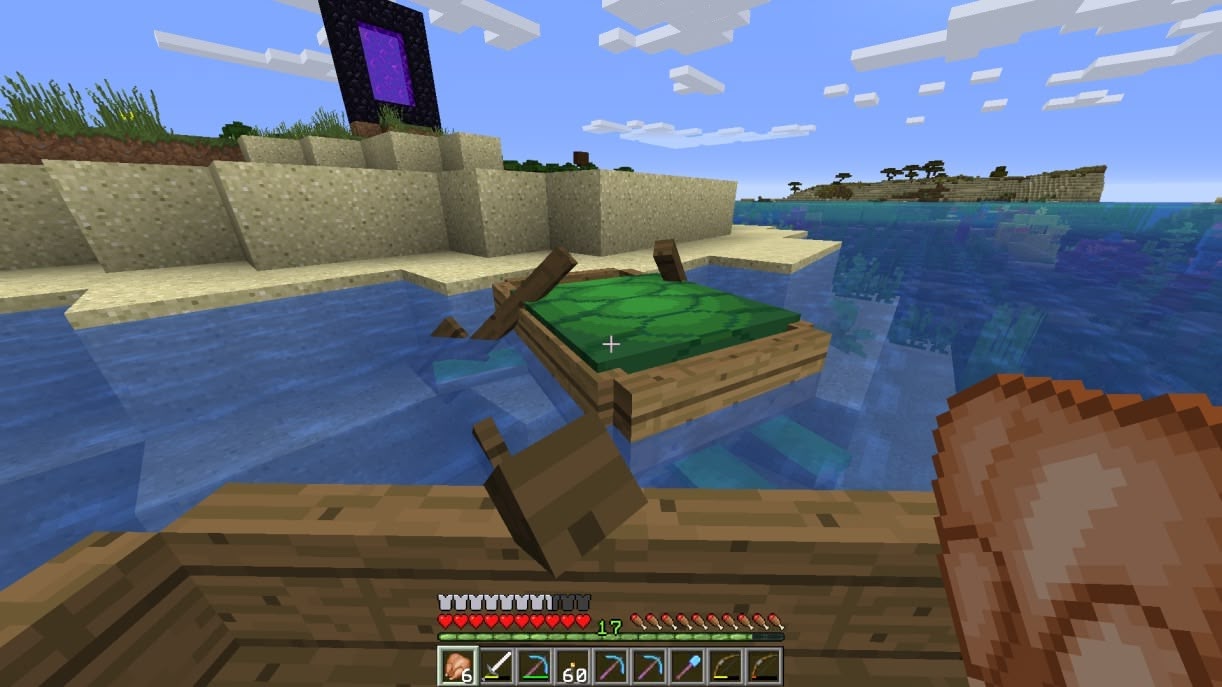
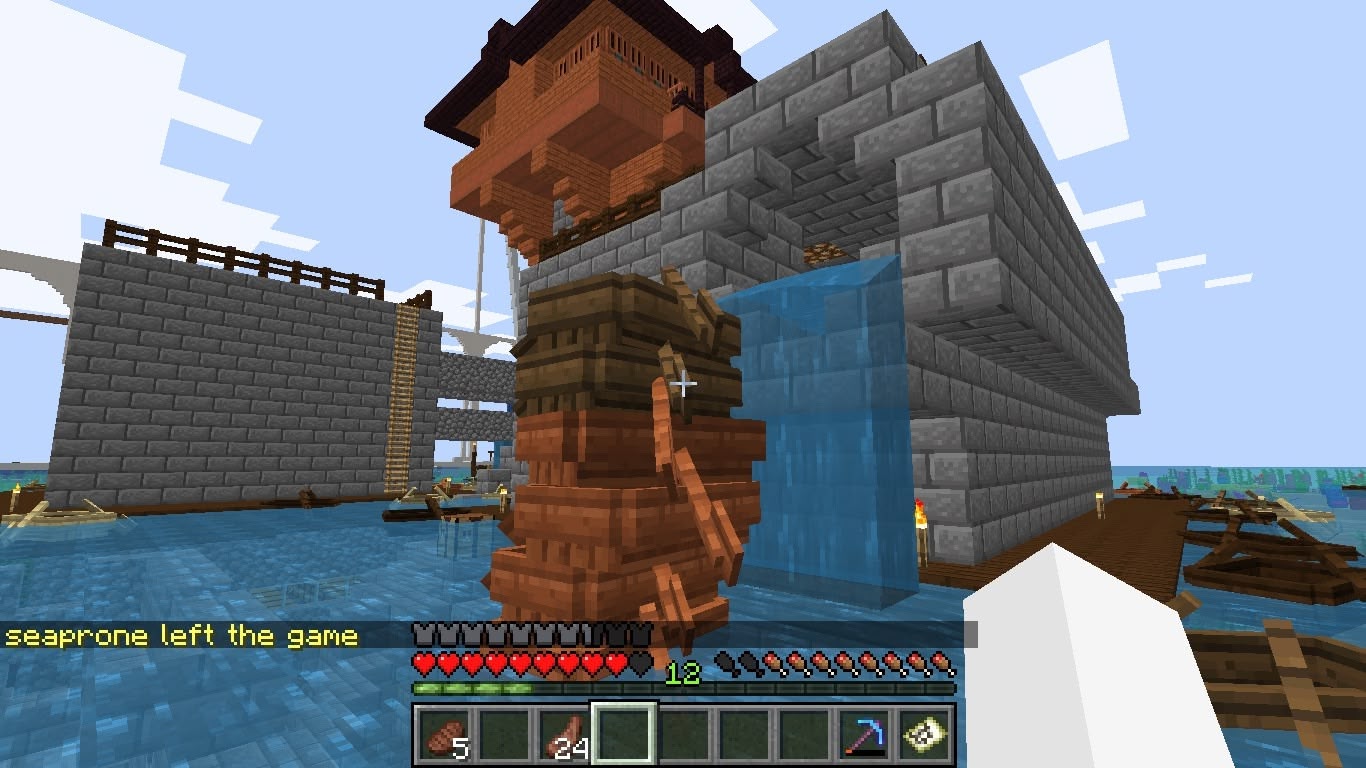
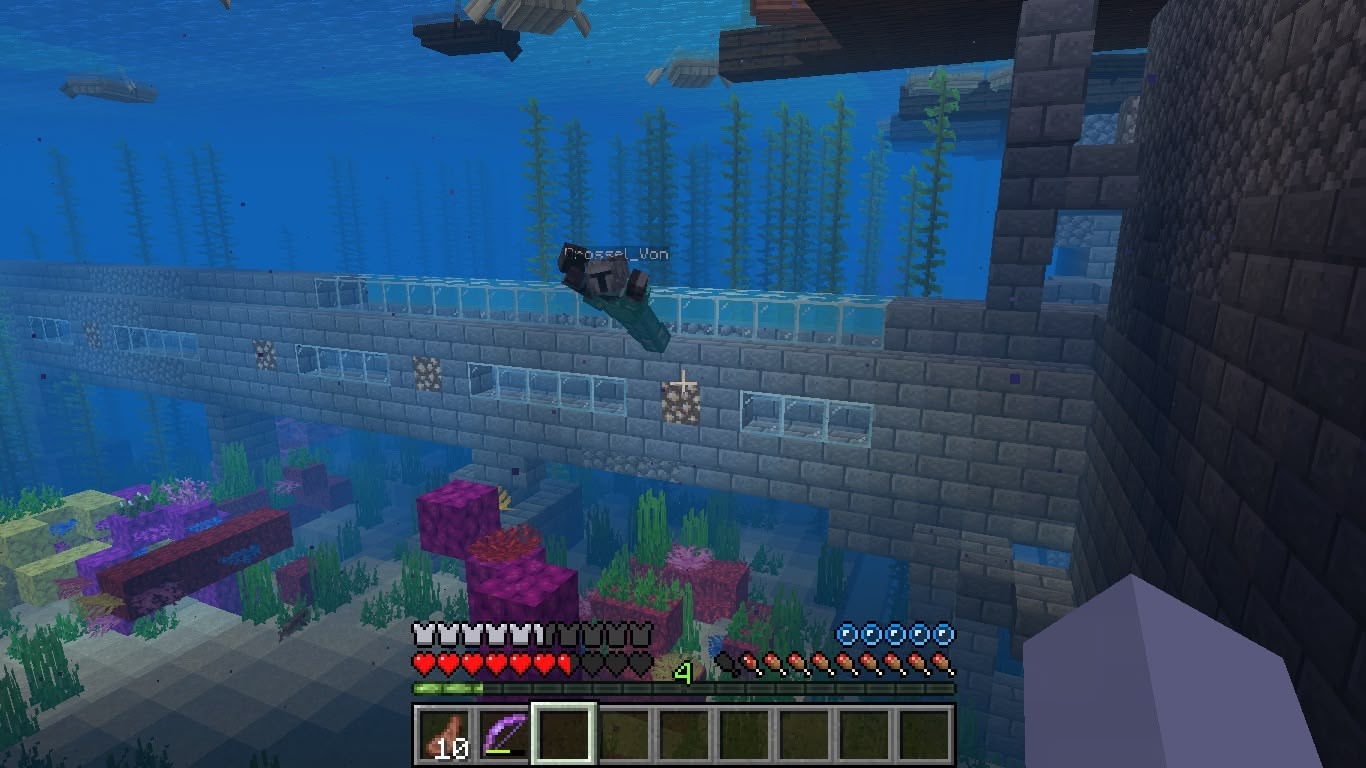
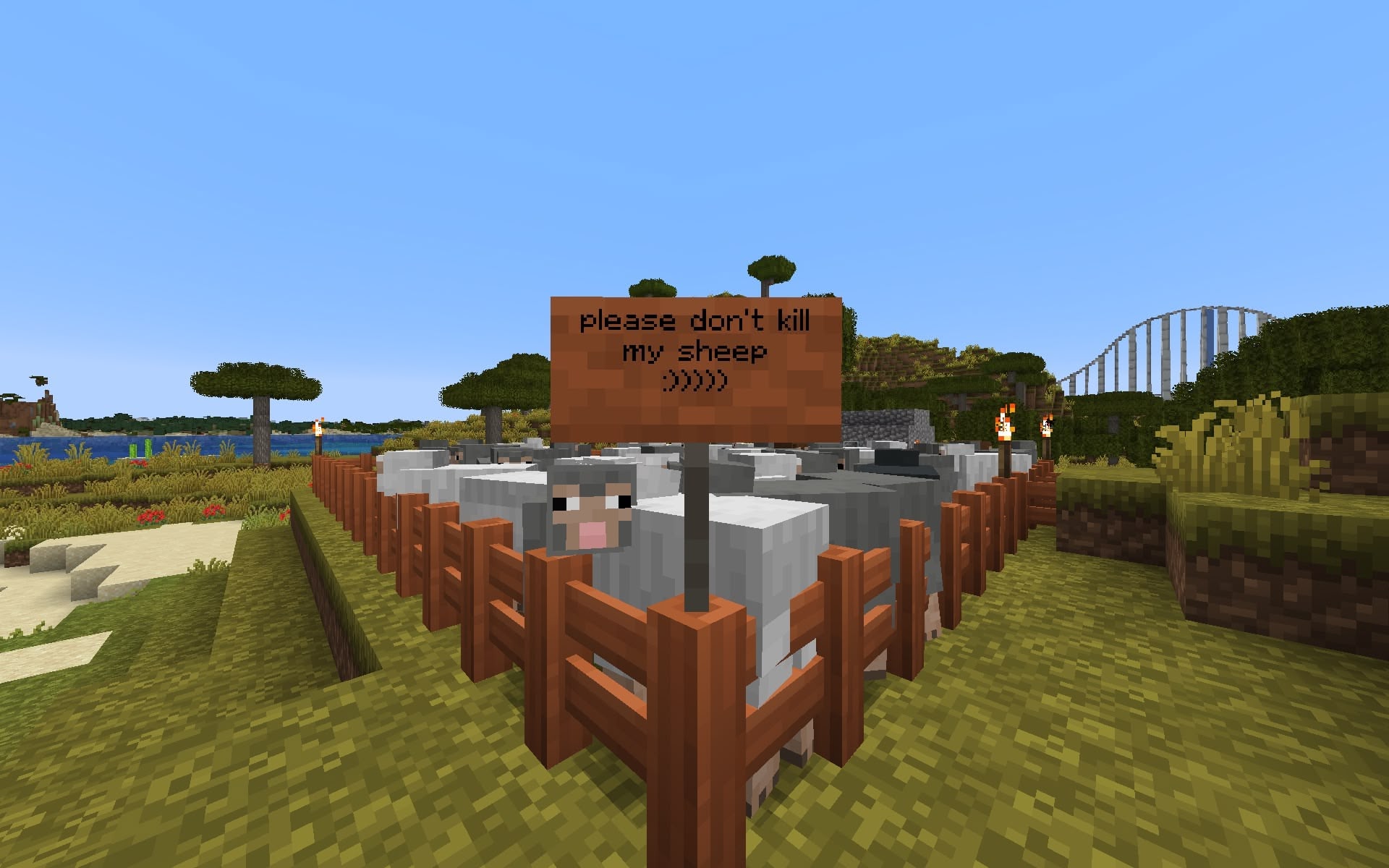

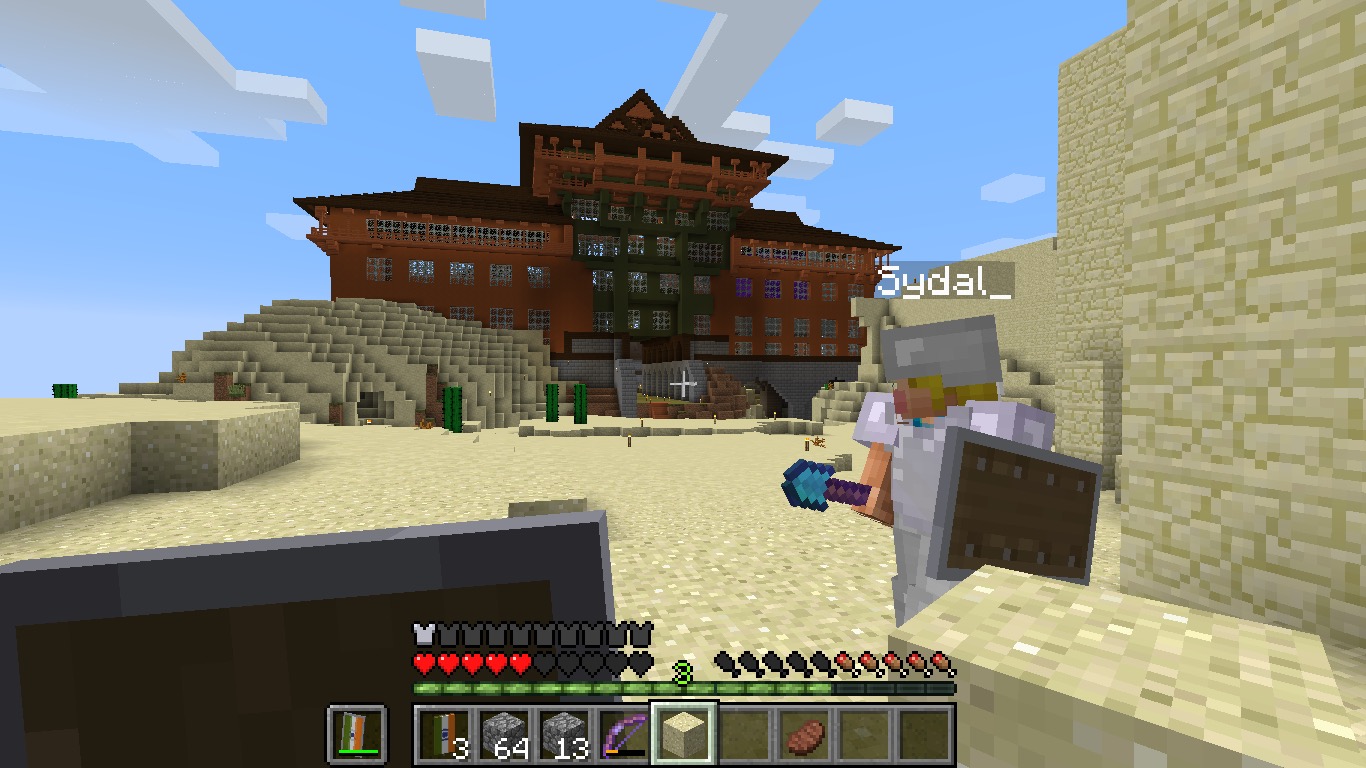
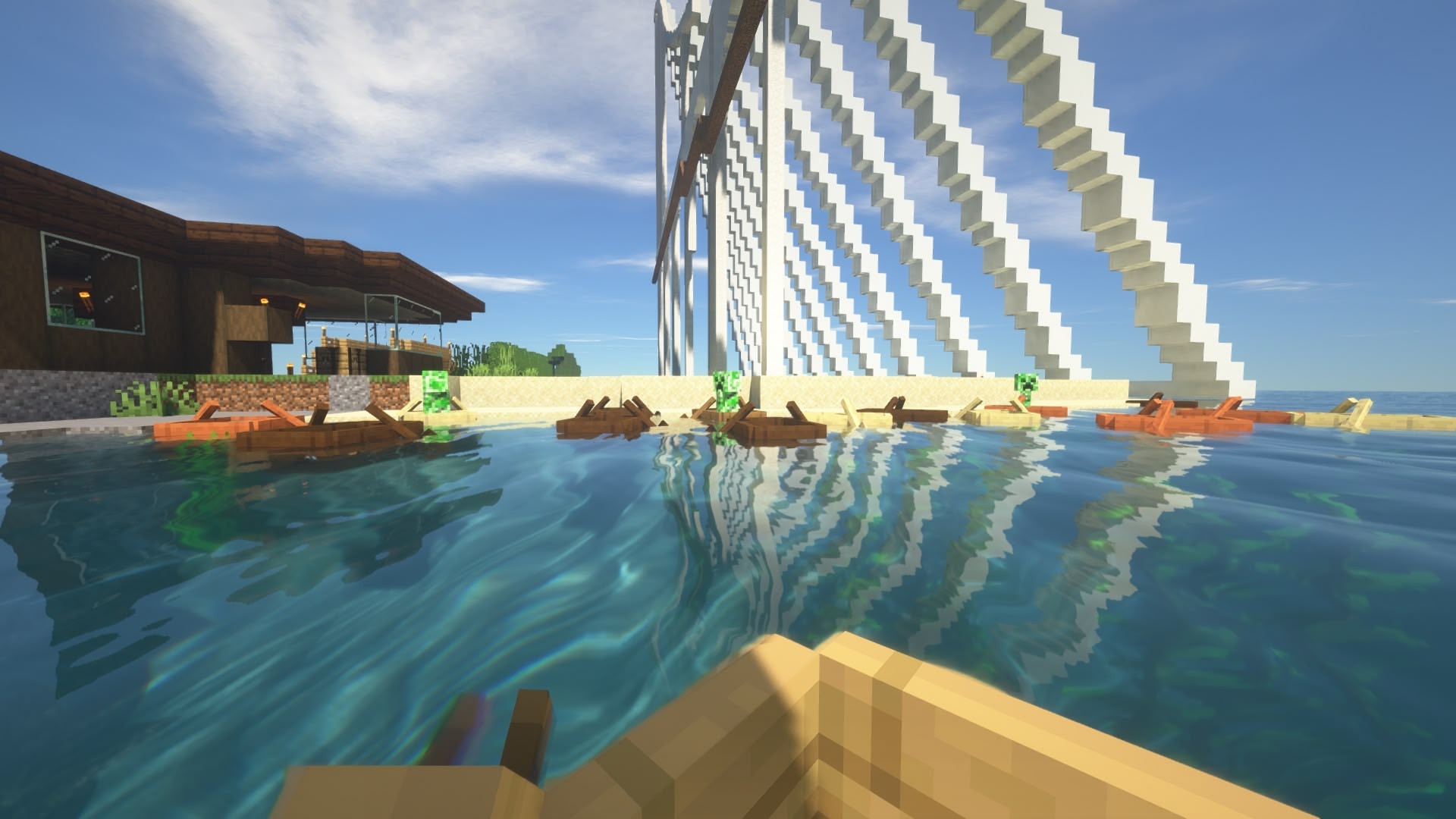
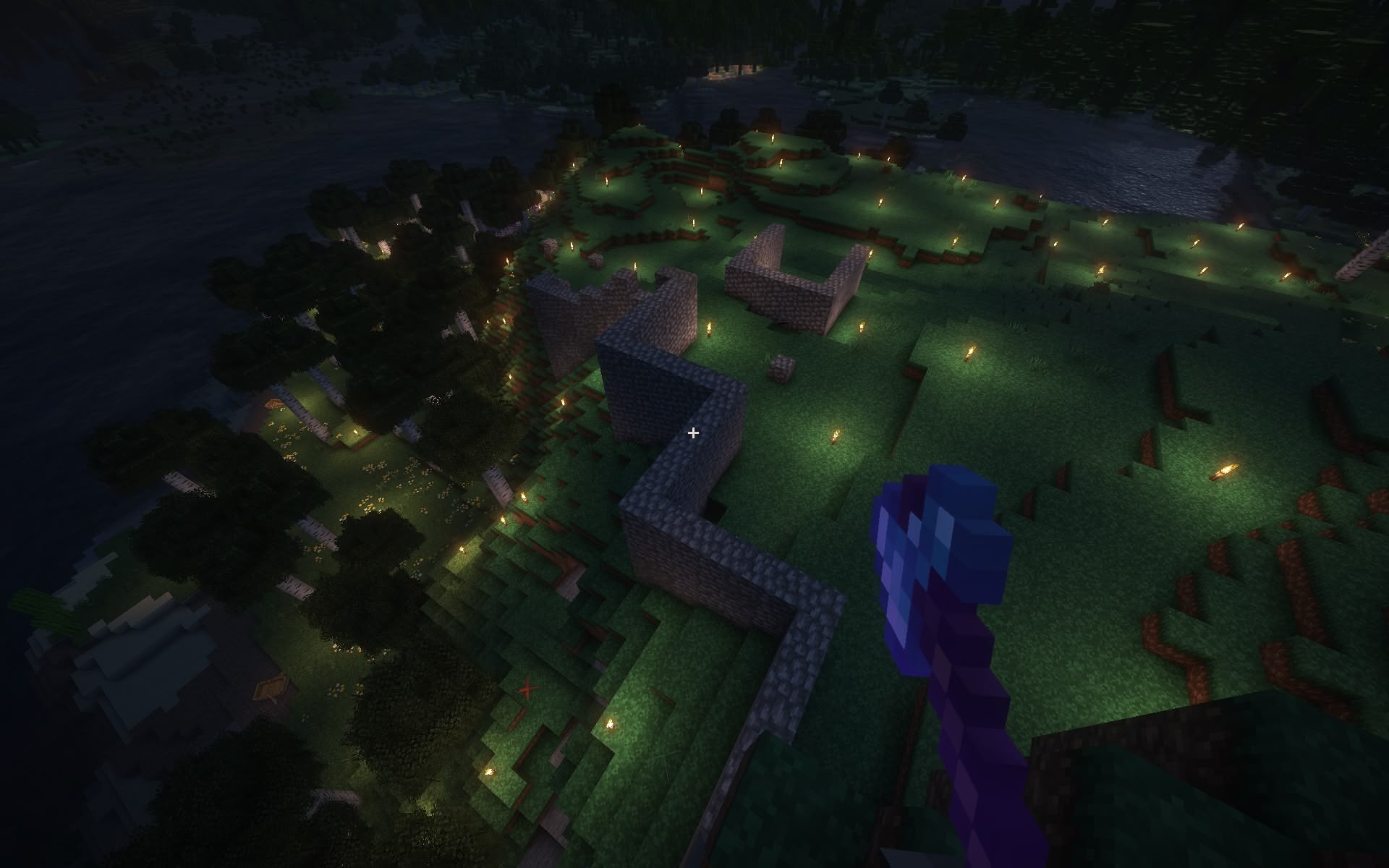

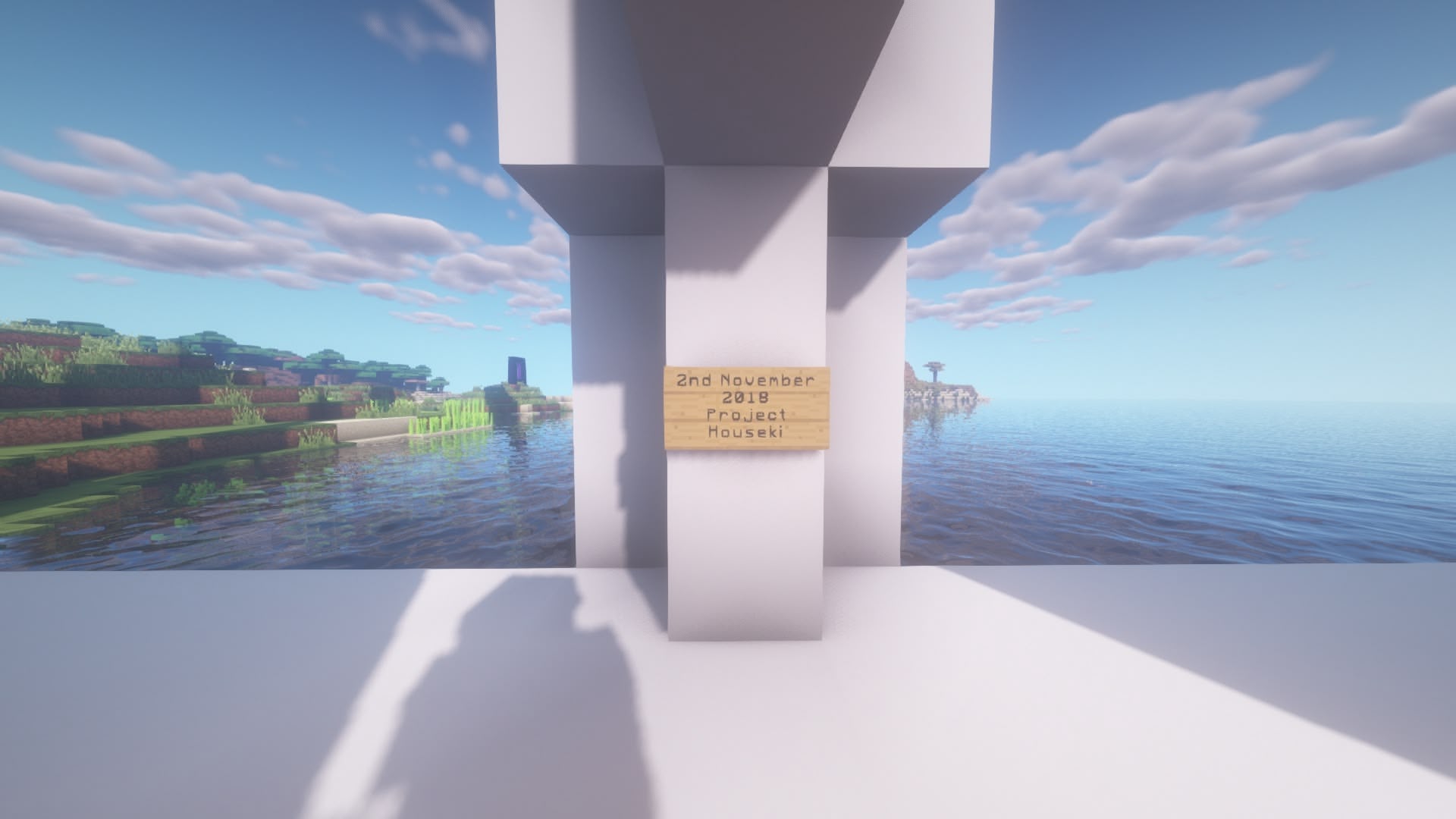





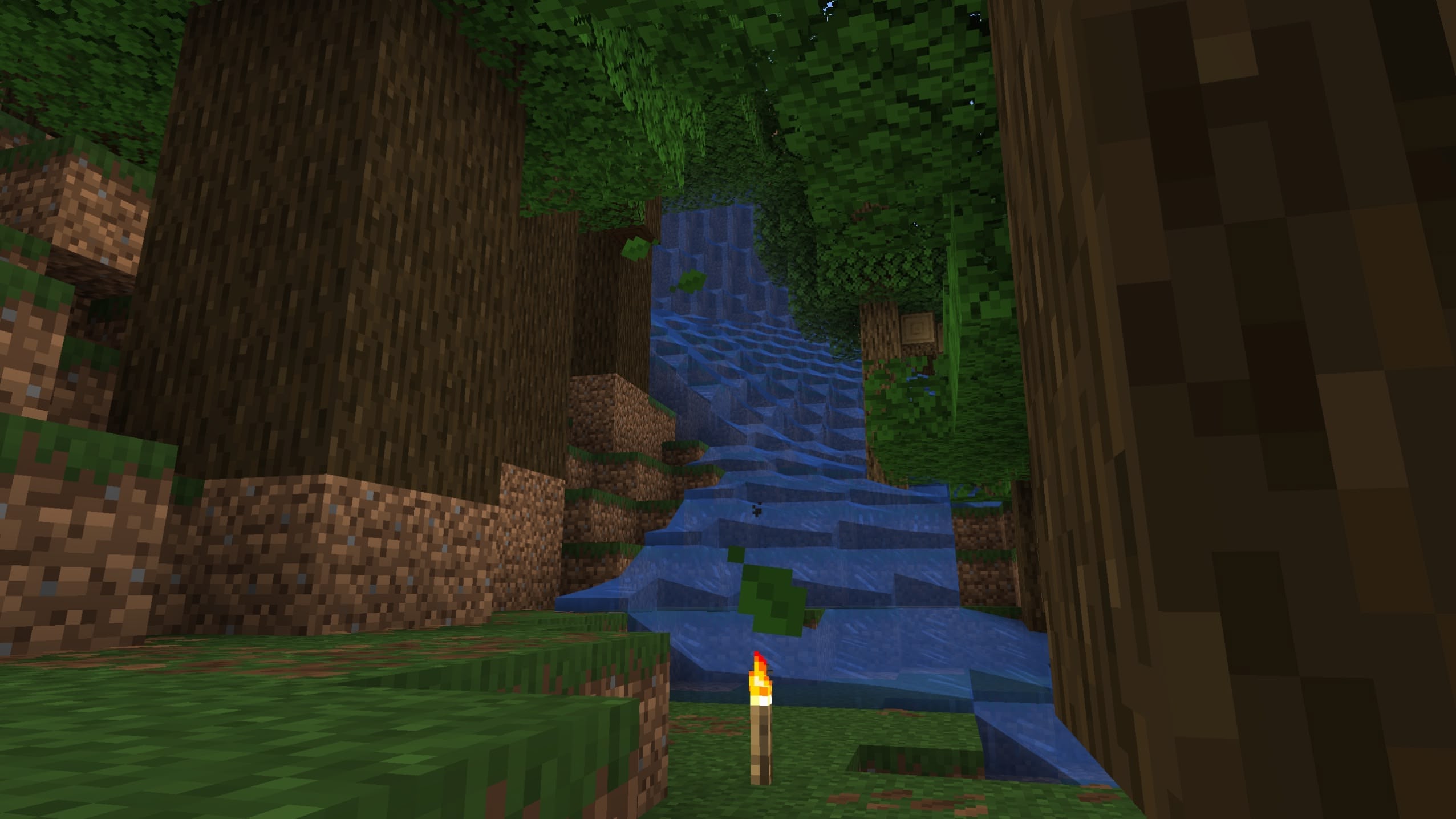
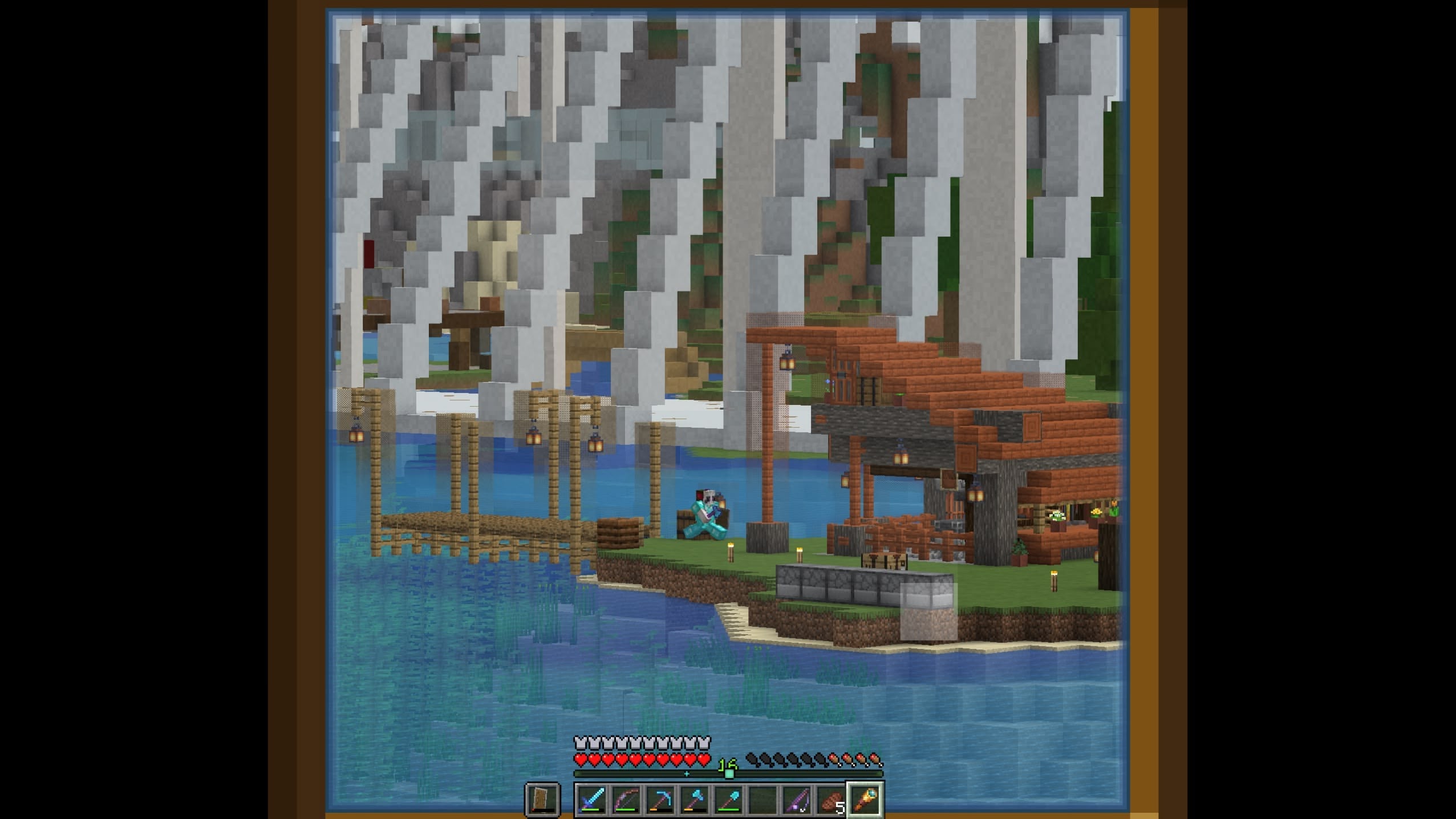
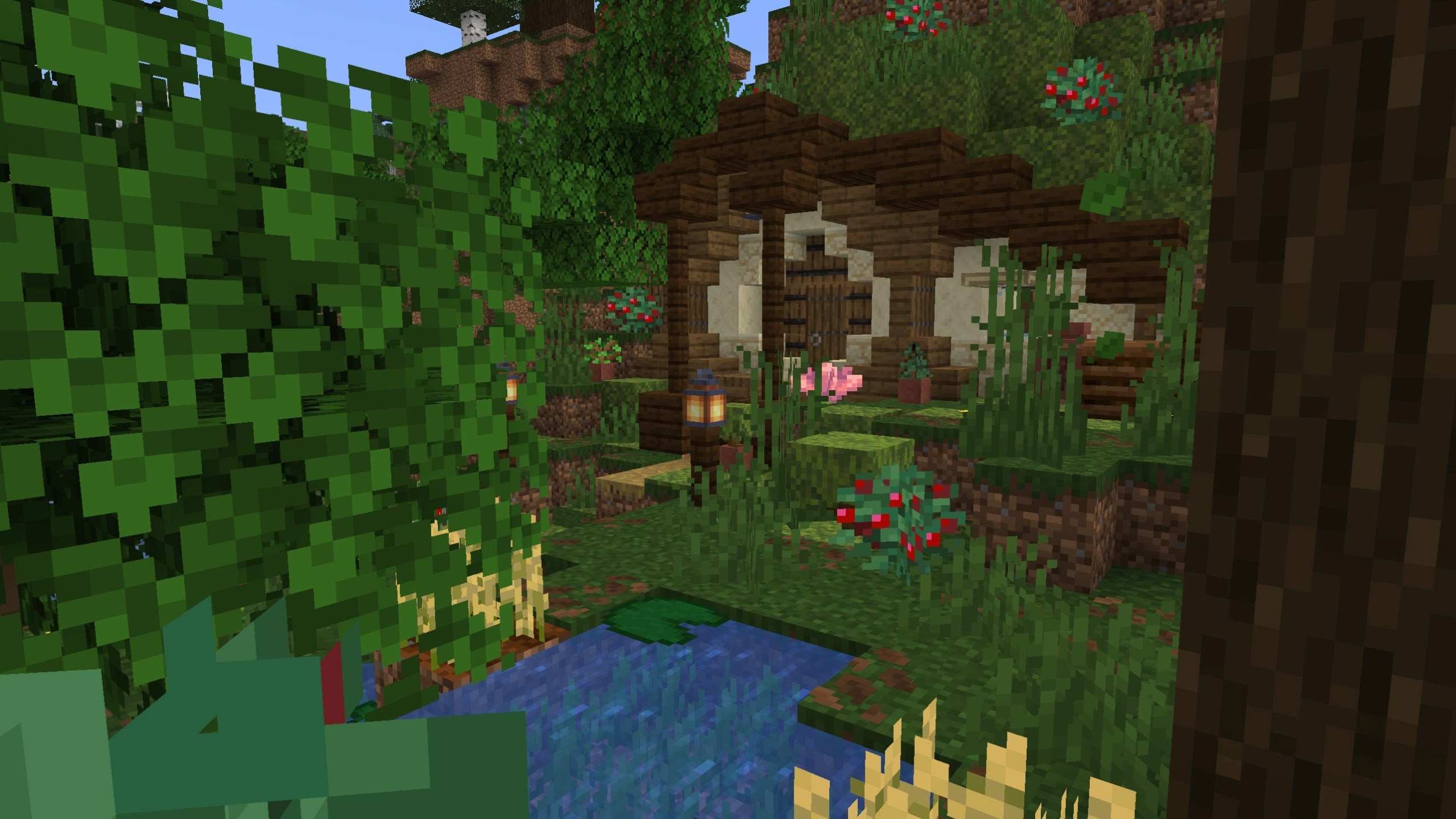
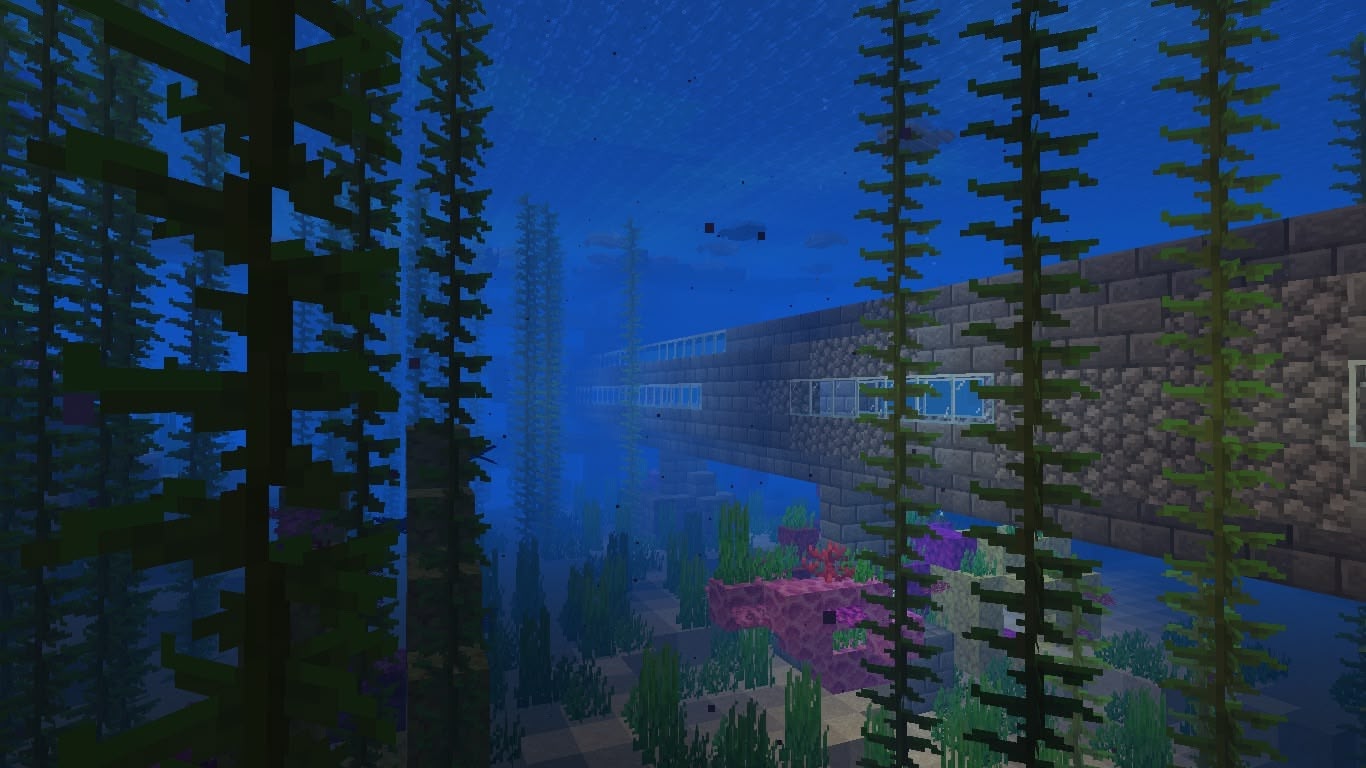

map
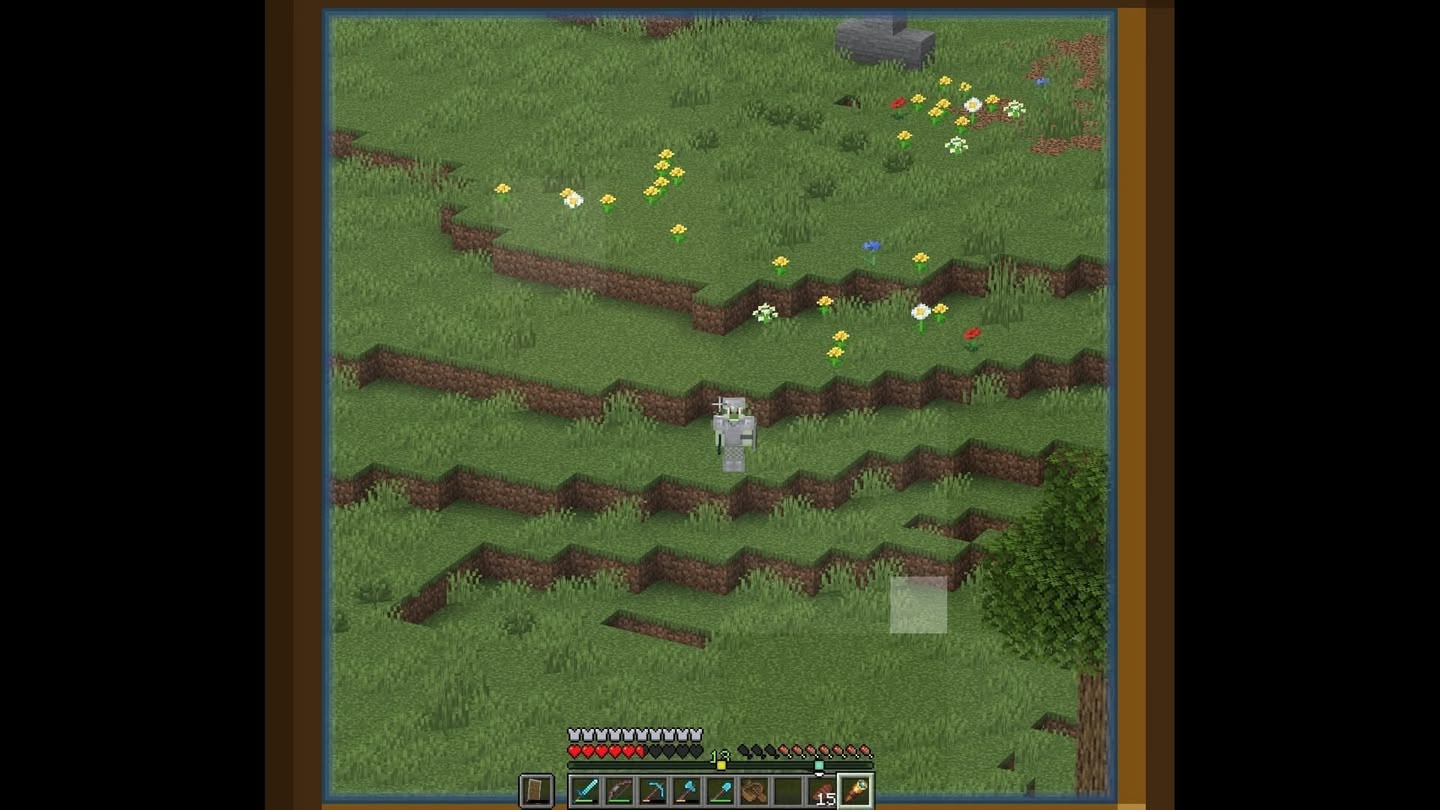
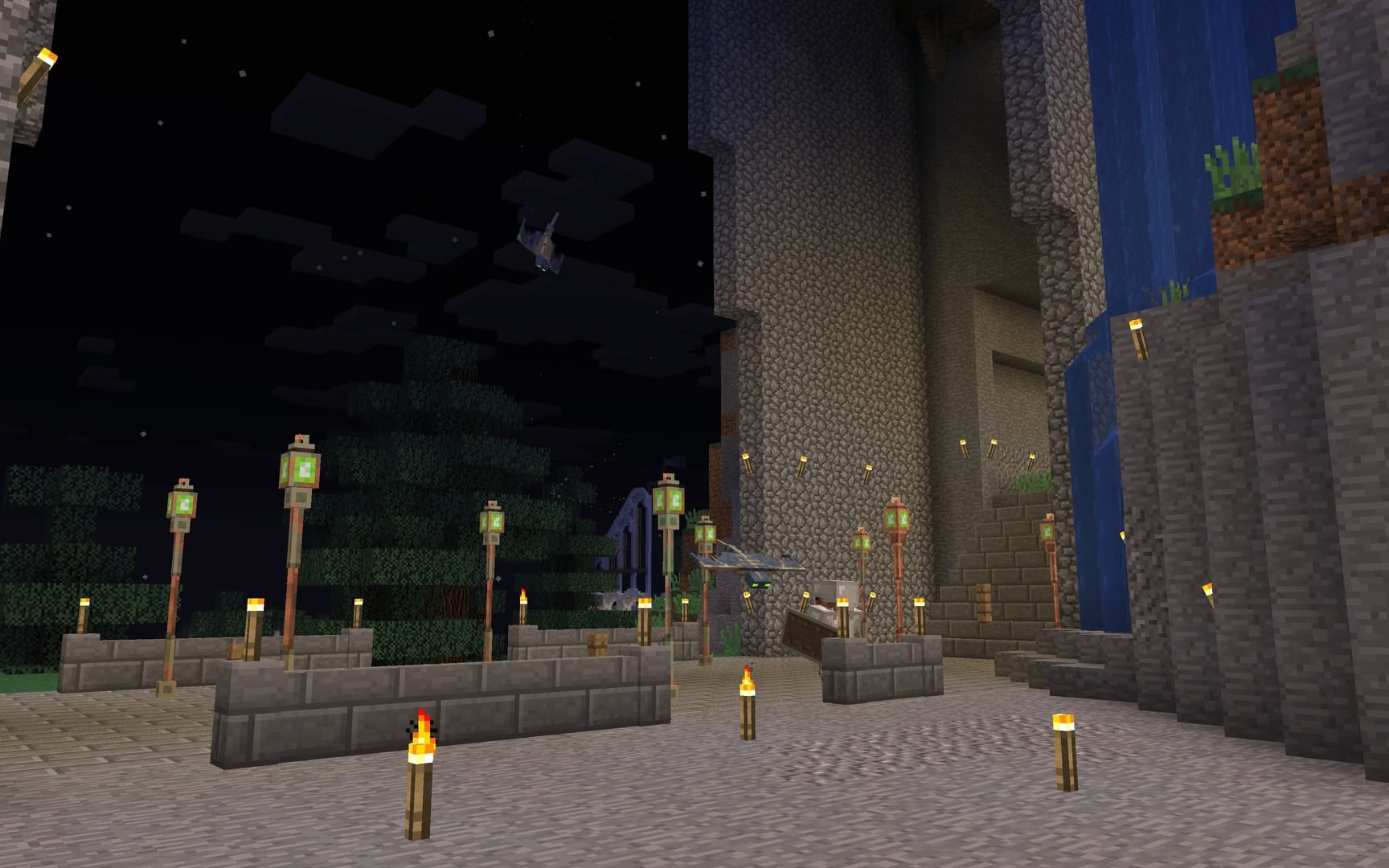
Each tile is an individual map from inside this world.
Click a tile to cycle through its various maps through time.
Click a tile to cycle through its various maps through time.
 Output commands: